Welcome!
Vintage Web 2.0 aesthetics,
snippets of code,
thoughts, photography,
and a bit of charm. History of the siteLinux
Everything that concerns. Go to categoryElectronics
micro, radio,
and usual. Go to categoryPhoto
From different categories. View category
- This is an original category in English «Linux»
- Читати цей розділ українською «Лінукс»
- Читать этот раздел на русском «Линукс»
GitLab Agent Server Unauthorized error
25/November/2025 kubernetesgitlabagentk
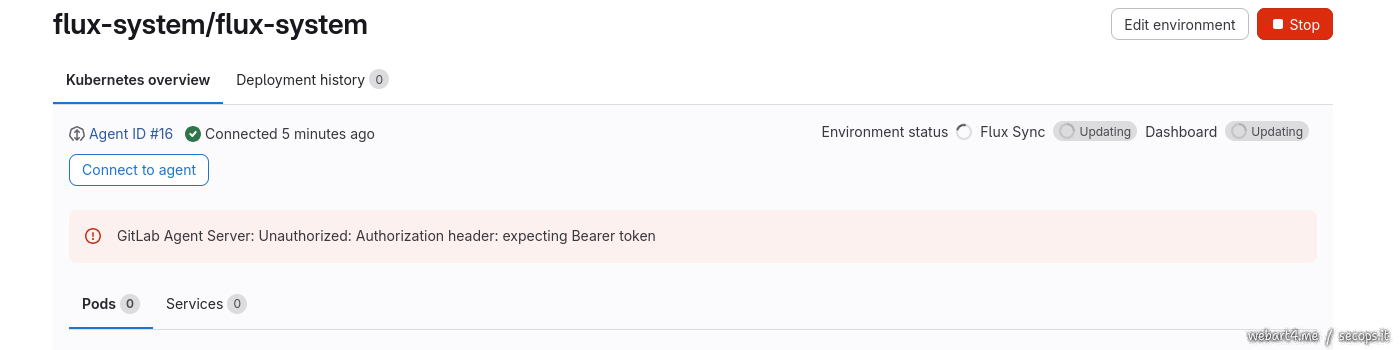
Without going into detail about how exactly and why everything is organized, access is provided through the following chain:
1 | |
The Main Frontend manages the gitlab subdomain, which is closed to external access via auth_basic authorization.
Installing Kubernetes on LXC
21/November/2025 kubernetesk8slxc
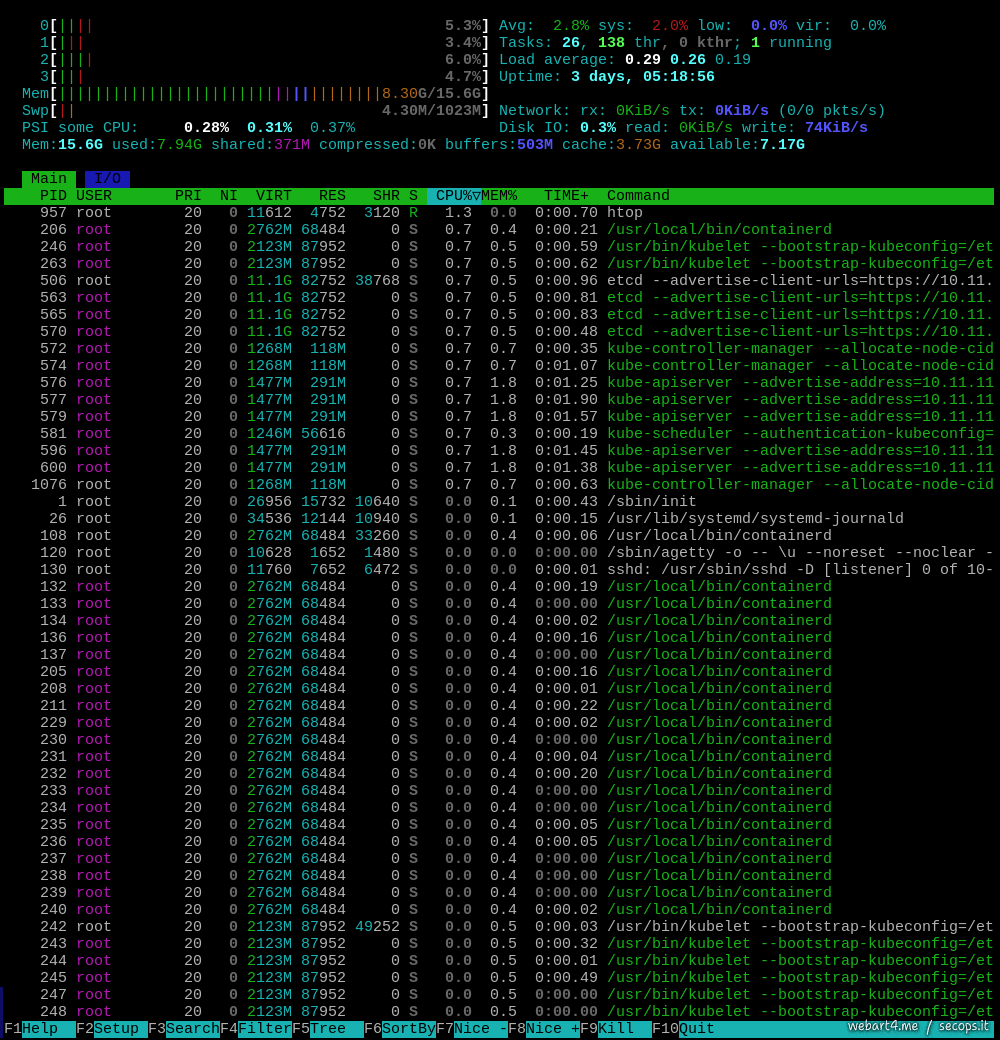
This example shows an installation over LXC, while for any more or less serious use this is completely unacceptable and requires using KVM with additional security measures.
And besides, installation on KVM will be much, much easier.
LXC does not provide adequate security because, for proper operation, it requires mounting the /sys and /proc partitions from the host, which are accessible to all LXC instances.
Furthermore, this example requires using a PRIVILEGED virtual machine.
However, LXC allows relatively easy setting up a testing infrastructure without the overhead associated with KVM.
So some aspects in this example will only be related to the setup in LXC.
On the HOST system
First, let’s make preparations on the host system.
nano /etc/modules
nano /etc/sysctl.d/35-lxc-kubernetes.conf
1 2 3 4 5 6 7 8 9 10 11 | |
Why the standard plugins for jekyll are very far from ideal.
11/March/2025 jekyllstructured-datanginx
In this note I will not provide the full code for all components, I will only give snippets and tips on what to pay attention to when assembling a site on jekyll.
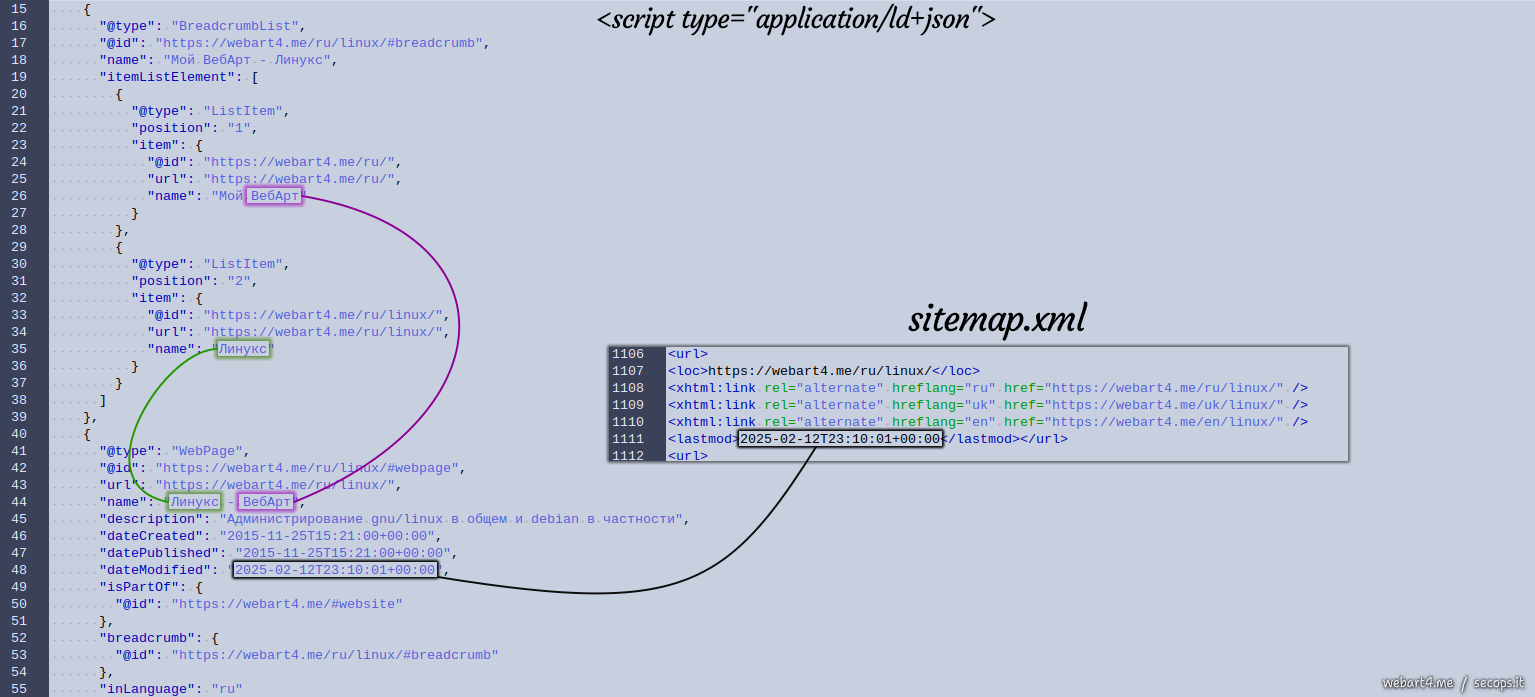
File modification time
Every page has at least three timestamp points in different files, page elements, or server responses, and they must all be the same.
- ld+json
"dateModified": "2025-03-07T15:43:42+00:00" - sitemap
<lastmod>2025-03-07T15:43:42+00:00</lastmod> - headres
last-modified: Fri, 07 Mar 2025 15:43:42 GMT
Token-based connection limitation

Everyone knows about the limits on the number of connections from one IP (IP-based), but what if we want to limit the number of connections to a certain API per authorization token?
And it doesn’t matter how many different IPs will be used.
Part of the nginx config:
1 2 3 4 5 6 7 8 9 10 11 12 13 14 15 16 17 18 19 20 | |
Xorg from unprivileged user
12/January/2024 gdm3xorgkvmsecurity

Abstractly.
There is some software that needs X’s.
Download, install, launch - enjoy.
But here’s the problem: I don’t want to run software (absolutely everything that is not included in the standard debian repository.) like this on:
- My HOST.
- From my user.
- Under my user’s Xorg.
- Allow into my networks, including 127.0.0.0
In addition, a browser for regular web surfing and a browser for client banking are not the same browser, user, and sometimes even system.
We will not consider points 1, 2, 4 now; we will talk about X.
In debian, with standard system settings, LightDM is used as the default display manager.
You can enable listen tcp in it, but it runs Xorg processes as root.
In gdm3, on the contrary, by default, it launches Xorg from the user who logs into the environment, but the ability to enable listen tcp was broken.
More precisely, they left the ability to disable nolisten tcp,
but not enable listen tcp.
To do this, you need to edit the wrapper over X.