Welcome!
Vintage Web 2.0 aesthetics,
snippets of code,
thoughts, photography,
and a bit of charm. History of the siteExamples
ready to use. Go to categoryElectronics
micro, radio,
and usual. Go to categoryPhoto
From different categories. View category
- This is an original category in English «Examples»
- Читати цей розділ українською «Приклади»
- Читать этот раздел на русском «Примеры»
Critical remote vulnerability in Nginx CVE-2026-9256
Let’s rebuild Nginx with CVE-2026-9256 patch according to the Debian-way.
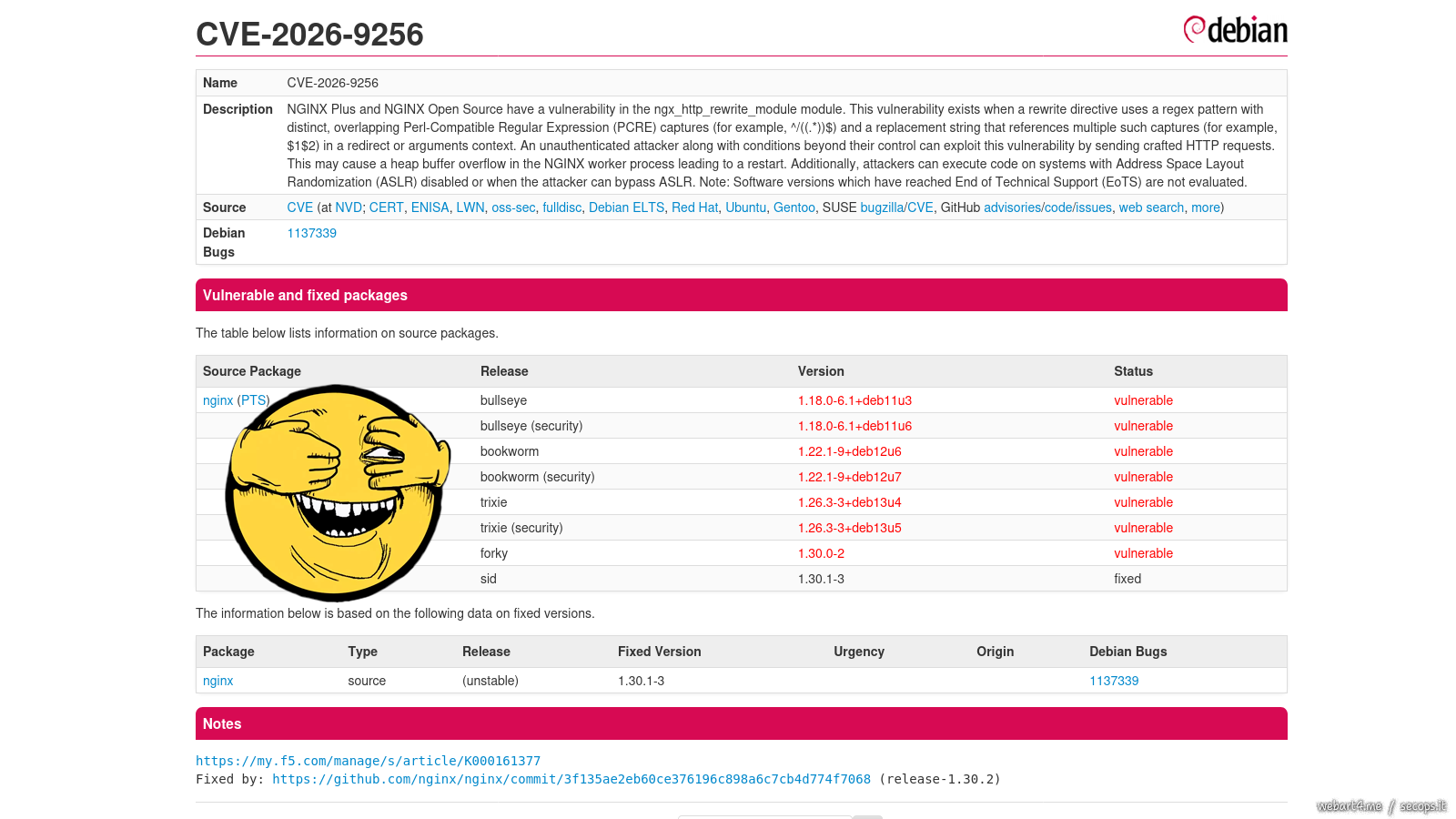
A critical vulnerability in nginx allows remote code execution with the privileges of the nginx worker process by sending a specially crafted HTTP request.
But that’s not the point.
The problem is that Debian maintainers are in no hurry to release a new patch package.
nano /etc/apt/sources.list
1 2 3 4 | |
Installing Debian on a RAID with LUKS encryption, ZFS root, and booting from USB with Detached Header
4/May/2026 mdadmzfsluksusb-bootdetached-header

Introduction from afar
Not long ago I felt nostalgic inside FreeBSD again, everything is wonderful, everything is familiar, everything is convenient.
There is just one point that completely rules it out from desktop use, at least for me.
On almost all my laptops, FreeBSD does not support either sleep or standby modes (s2disk/s2ram).
And I couldn’t do anything with the hardware/drivers/ACPI, but I tried a lot.
Without standby mode, it is completely impossible to use a laptop, since after transportation, you need to load everything again, turn it on, and restore a complex work session.
And I only reboot workstations after applying updates that require it.
One of the many nice little things that Beastie has that Debian lacks is ZFS Boot Environments, this is somewhat more convenient than, say, LVM snapshots.
And the second is GEOM_ELI, which supports not only, like LUKS, the OR password OR key mode, but also supports password WITH key mode.
I thought and thought, and decided to deploy Debian from scratch, taking into account all the tools I use, my experience, and, importantly, my habits.
Debian is still my main system, so the only way to get a hardware (physical) encryption key in addition to the password is to make it from the header and place it on a bootable USB flash drive.
Installing Major Python Versions on Debian Trixie

Very, very often you have to deal with the need to use a certain version of Python, for example, for torch, or for something specific.
Using conda or Docker with nvidia-container-toolkit and then setting up images like nvidia/cuda:13.0.1-runtime-ubuntu22.04 feels counterintuitive to me, even though I’ve done it many times.
And an additional packages have to be installed in the container.
But easier and more convenient to compile everything on the host system, and at the same time prevent contamination of the entire system with third-party libraries and executable files.
The following is an example of building multiple Python versions for the verpy group only, which is a bit more convenient than installing for just one user.
ai- an arbitrary user from whom the compilation is performed.verpy- the group that will be allowed to use these versions.
mkdir /opt/openssl
mkdir /opt/python
groupadd --gid 42398 verpy
usermod -aG verpy ai
Installing Kubernetes on LXC
21/November/2025 kubernetesk8slxc
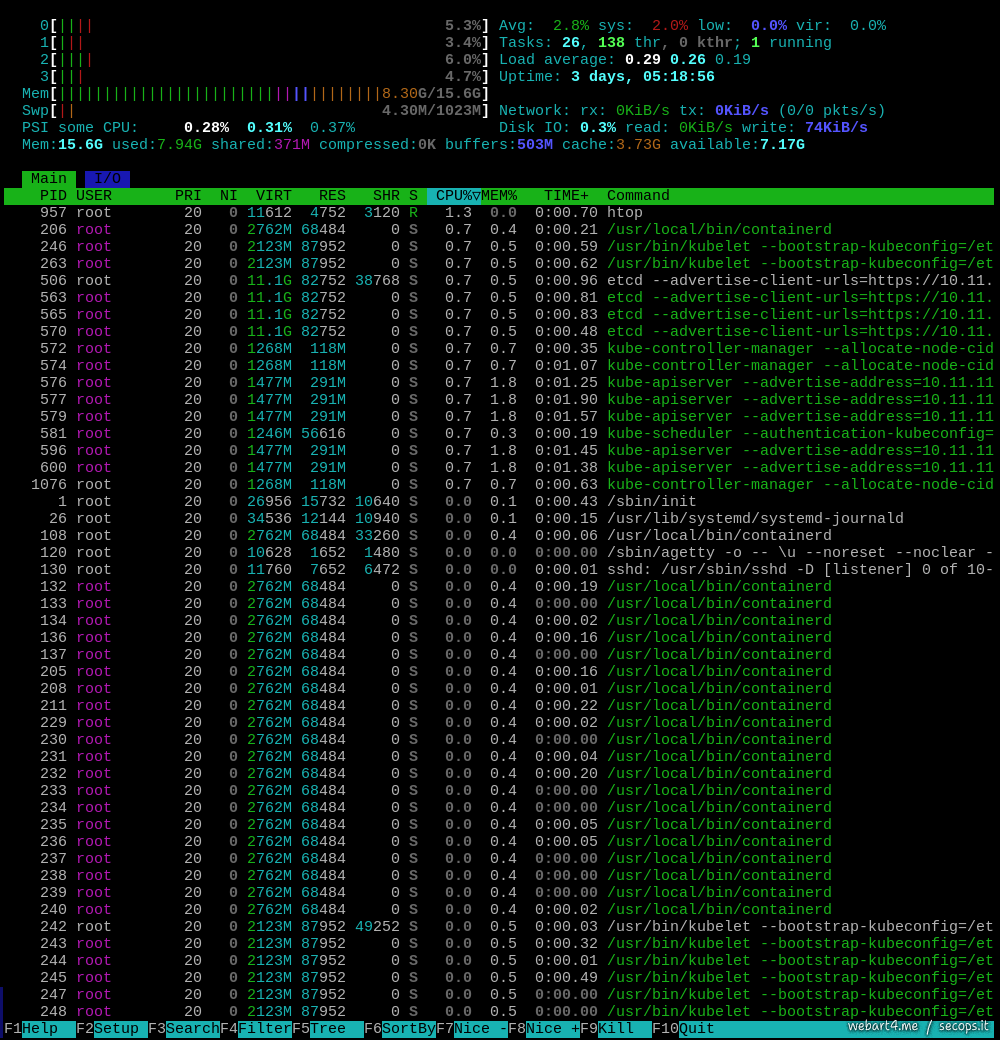
This example shows an installation over LXC, while for any more or less serious use this is completely unacceptable and requires using KVM with additional security measures.
And besides, installation on KVM will be much, much easier.
LXC does not provide adequate security because, for proper operation, it requires mounting the /sys and /proc partitions from the host, which are accessible to all LXC instances.
Furthermore, this example requires using a PRIVILEGED virtual machine.
However, LXC allows relatively easy setting up a testing infrastructure without the overhead associated with KVM.
So some aspects in this example will only be related to the setup in LXC.
On the HOST system
First, let’s make preparations on the host system.
nano /etc/modules
nano /etc/sysctl.d/35-lxc-kubernetes.conf
1 2 3 4 5 6 7 8 9 10 11 | |
Token-based connection limitation

Everyone knows about the limits on the number of connections from one IP (IP-based), but what if we want to limit the number of connections to a certain API per authorization token?
And it doesn’t matter how many different IPs will be used.
Part of the nginx config:
1 2 3 4 5 6 7 8 9 10 11 12 13 14 15 16 17 18 19 20 | |